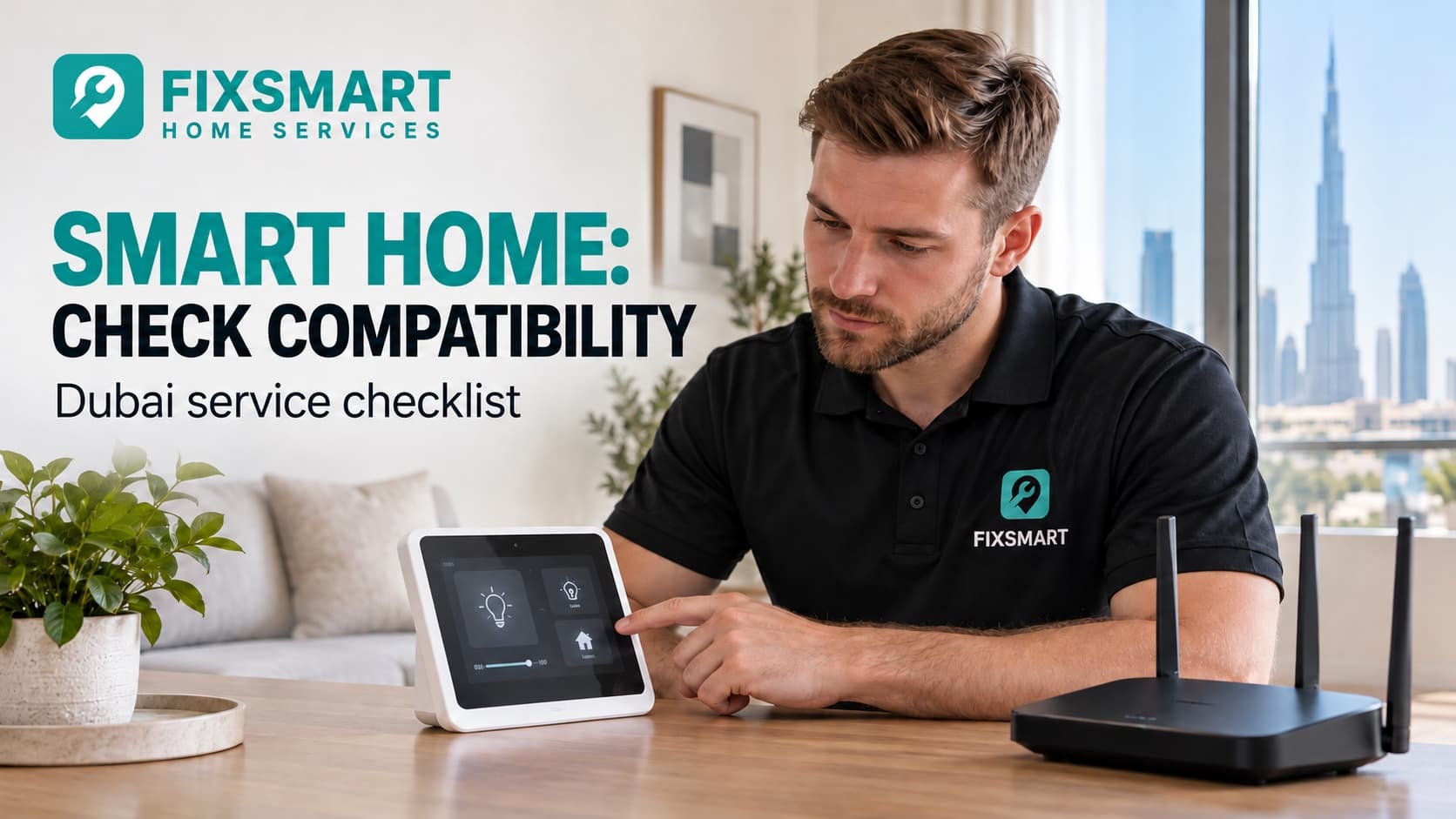
Before installing smart-home devices in Dubai, check compatibility with the existing hardware, network and control system. A device working in a demonstration does not prove it will work in your home. Agree who owns the accounts, how manual operation is retained and what happens when the network or cloud service is unavailable.
Smart Home & Low-Voltage Systems
Need compatible smart-home devices installed?
Describe your task, select your Dubai area and include safe photos where helpful. FIXSMART helps match your request with an independent professional. Scope, availability and the quotation are confirmed separately.
Smart home installation: booking checklist
- Intended functions and existing device models
- Hardware, controls and network compatibility
- Manual and offline operation requirements
- Owner-controlled accounts and secure handover
- Documented tests, subscriptions and support limits
Smart-home installation requests in Palm Jumeirah, Dubai Hills and Emirates Hills
List the exact devices, existing controls and intended outcome instead of requesting a generic smart home. Explain network concerns and which functions must work without an app. Do not post access codes, camera views of private spaces or administrator credentials in public requests.
Select your actual area and describe the task through FIXSMART so we can help match the request with an independent professional. Coverage, suitability and appointment availability must be confirmed; an area name does not guarantee the nearest provider or immediate attendance.
List the outcome, not just the devices
Describe the task: reliable lighting control, access management, video intercom or stronger connectivity. Identify existing equipment and exact product models. Explain who uses the system and which functions must remain available without an app.
FIXSMART lists smart switches, locks, intercoms, Wi-Fi, cable networks and home-control automation. The catalogue describes available service types, not universal compatibility between brands or guaranteed network coverage.
Check compatibility with the actual installation
Share manufacturers' instructions with the installer. Some products affect mains wiring, others door hardware or network infrastructure. Do not remove switch covers or alter electrical connections yourself to identify compatibility. A qualified specialist should assess the relevant installation.
Our electrical warning-sign guide explains why an existing electrical fault should be investigated rather than hidden behind a new controller. Avoid improvised power arrangements; the extension-cord guide provides context for discussing safe supply.
Agree ownership and access
Use an owner-controlled account for the final system where supported. Decide who creates accounts, keeps recovery information and receives software-update notices. Ask the installer to remove unnecessary ongoing access after handover. Do not publish passwords or recovery codes in project photographs or reports.
- Which products and platforms are included?
- What internet, network and hardware requirements apply?
- Who owns and administers the accounts?
- How does manual or offline operation work?
- Are recurring subscriptions required?
- Who supports the system after installation?
Test ordinary failure conditions
Ask the provider to explain the expected behaviour if connectivity is lost, a device needs a battery change or a phone is replaced. Test only agreed safe procedures, not improvised interruptions to essential systems. Keep a record of how ordinary household members operate and recover the system.
For smart locks, compatibility includes the existing door and mechanical hardware, not just an app connection. Ask about authorised access and normal lock operation without seeking bypass instructions.
Compare installation and support separately
A successful setup visit and ongoing technical support are different scopes. Clarify included follow-up, remote access, product warranty responsibilities and future compatibility changes. Our professional-selection guide helps you compare those terms without relying only on device count.
A specific request makes quotes easier to compare
Illustrative scope, not a real customer job: Assess smart lighting for the named rooms using the supplied product list. Confirm existing control compatibility, account ownership and agreed manual operation before purchase, then record which functions were tested.
What affects the smart home & low-voltage systems quote?
Device quantity, compatibility work, networking, installation and configuration affect cost. Recurring subscriptions and later support should be separated from installation charges.
Frequently asked questions
Will every smart device work with my current app?
No. Check exact models, protocols and supported integrations against manufacturer documentation.
Should the installer keep the main account?
Agree owner-controlled administration and any limited support access. Do not leave account ownership unclear.
Is internet access necessary for every function?
It depends on the product. Ask which functions are local, manual or cloud-dependent before buying.
Sources and method
Revised on 18 October 2026 using the FIXSMART service catalogue. The relevant listing is Smart Home & Low-Voltage Systems. Catalogue inclusion identifies a service type, not a property-specific assessment, certification or guaranteed result. Product-specific methods require the exact manufacturer's documentation and appropriate specialist assessment. Examples are illustrative. No customer outcome, local availability, popularity ranking or search position is claimed.