Soundbar Installation for a Wall-Mounted TV in Dubai
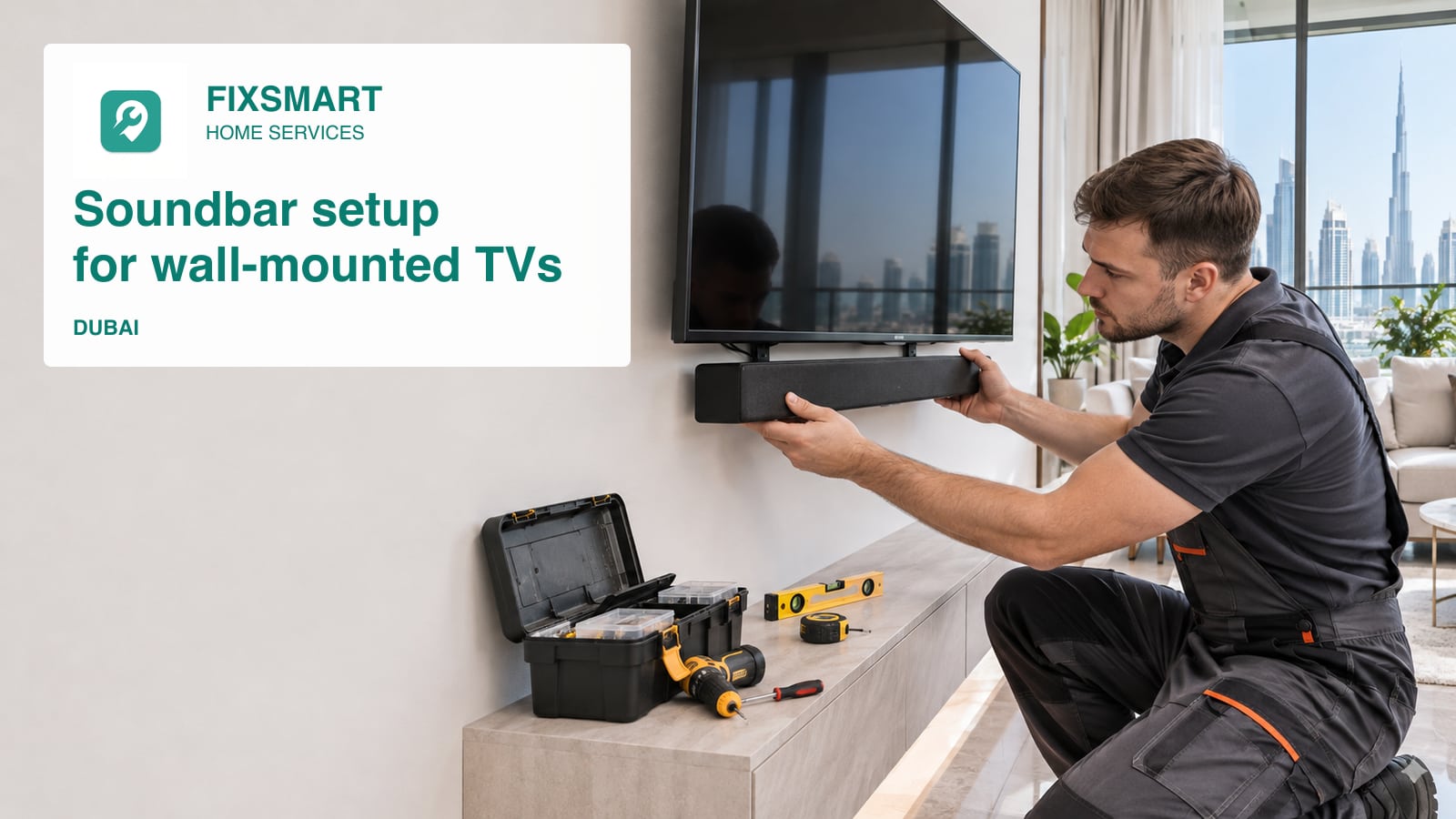
Choose how the soundbar connects before deciding where it goes. If both devices support compatible HDMI ARC or eARC, use the ports marked for audio return on the TV and soundbar. Check both model manuals for alternatives and format limits. A cable hidden behind the TV is only useful if its ends remain accessible.
- Send both model numbers and photos of the current bracket, ports and sockets.
- Agree whether the soundbar sits on a shelf, uses a separate bracket or needs a compatible mount attached to the TV assembly.
- Check clearance for any upward-facing speakers and room for plugs without tight bends.
- Agree whether the quote covers visible cable trunking or only device setup. Discuss any concealed electrical work separately with a qualified professional.
Checklist before the installer arrives
Handyman service
TV already on the wall?
In JBR or Downtown Dubai, ask management about any access arrangements that apply to your building. Send FIXSMART the area, models and a photo of the setup so it can help match the job with an independent installer.
Test with the sources you actually use
Ask the installer to demonstrate audio from a built-in TV app and your main external device, then test volume and power with the remote you normally use. If only one source is silent, that detail is more useful than saying “the soundbar doesn't work.” For wall and bracket decisions, see the TV mounting checklist.FAQ
Does eARC require a new TV?
Not necessarily. The answer depends on both models and what audio features you need. Check whether the devices share ARC or another supported option before buying equipment.Technical reference: Samsung ARC/eARC setup guidance.
Handyman service
TV already on the wall?
In JBR or Downtown Dubai, ask management about any access arrangements that apply to your building. Send FIXSMART the area, models and a photo of the setup so it can help match the job with an independent installer.